Setting Up the App
Last updated:
The MyRestful App enables all the functionality of Atmos Bedside Lamp, as well as software updates.
Download the MyRestful App on the App Store (iOS, iPadOS) or Google Play (Android):




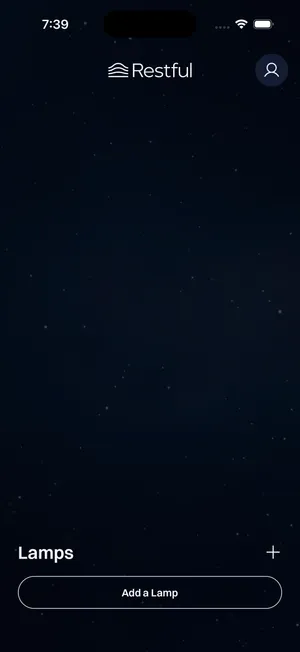
Open the app, and create an account. Then click Add a Lamp.
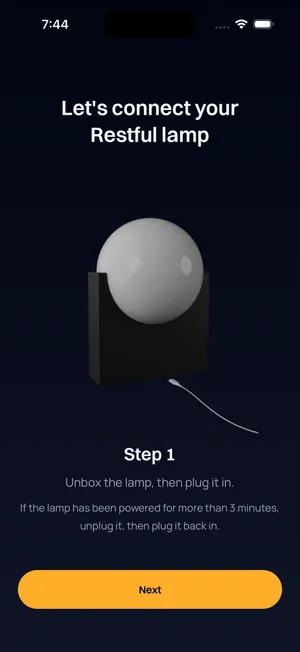
Follow the instructions to enable permissions, put the lamp into pairing mode, select the lamp, add Wi-Fi credentials, and specify the name and time zone.
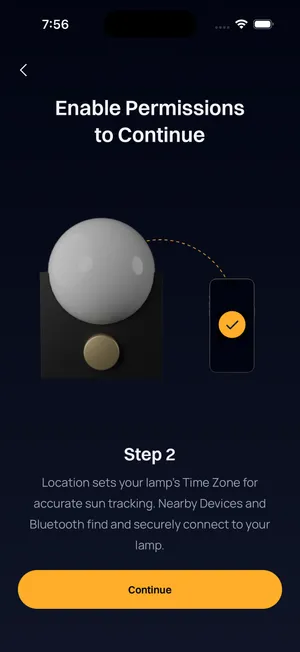
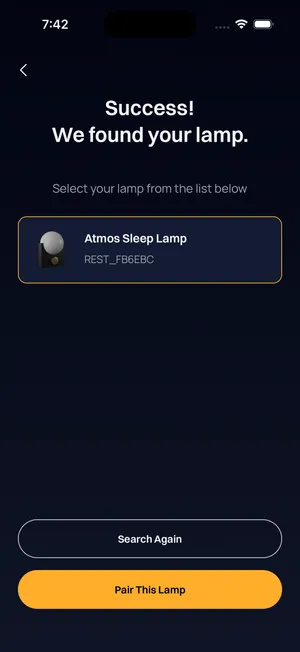
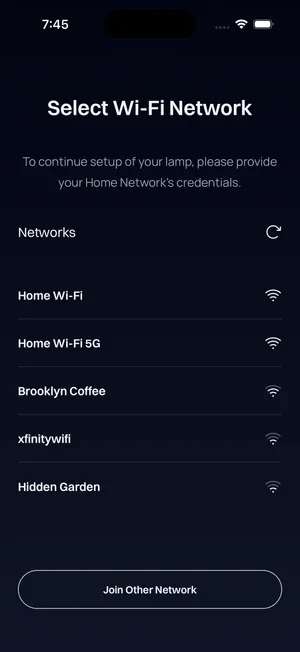
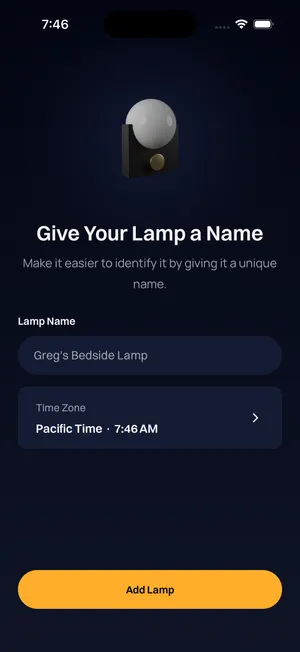
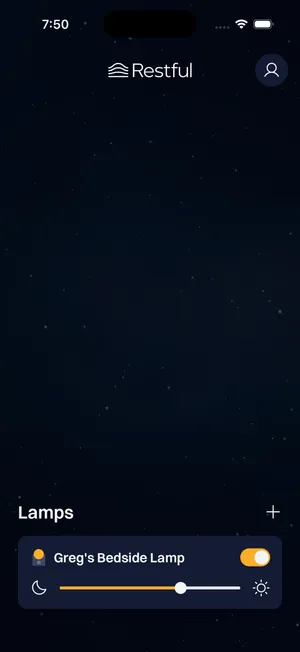
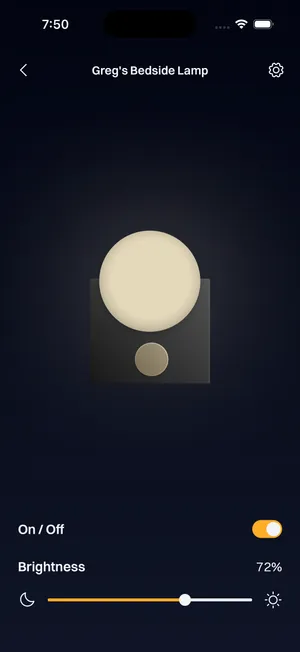
After successfully connecting, the lamp will appear on the MyRestful App home screen. You can adjust the brightness and toggle it on and off from the home screen, or press the lamp to reveal the full device page.